BlobGet Pro 2026
- Support HTTP/HTTPS, Magnet, BT, and web media in one app
- Smart resume and retry keep long tasks stable
- Batch queue with priority scheduling for key files
- Clear task dashboard for speed, status, and history
 Free Download for Windows
Everything you need for smooth, everyday downloading
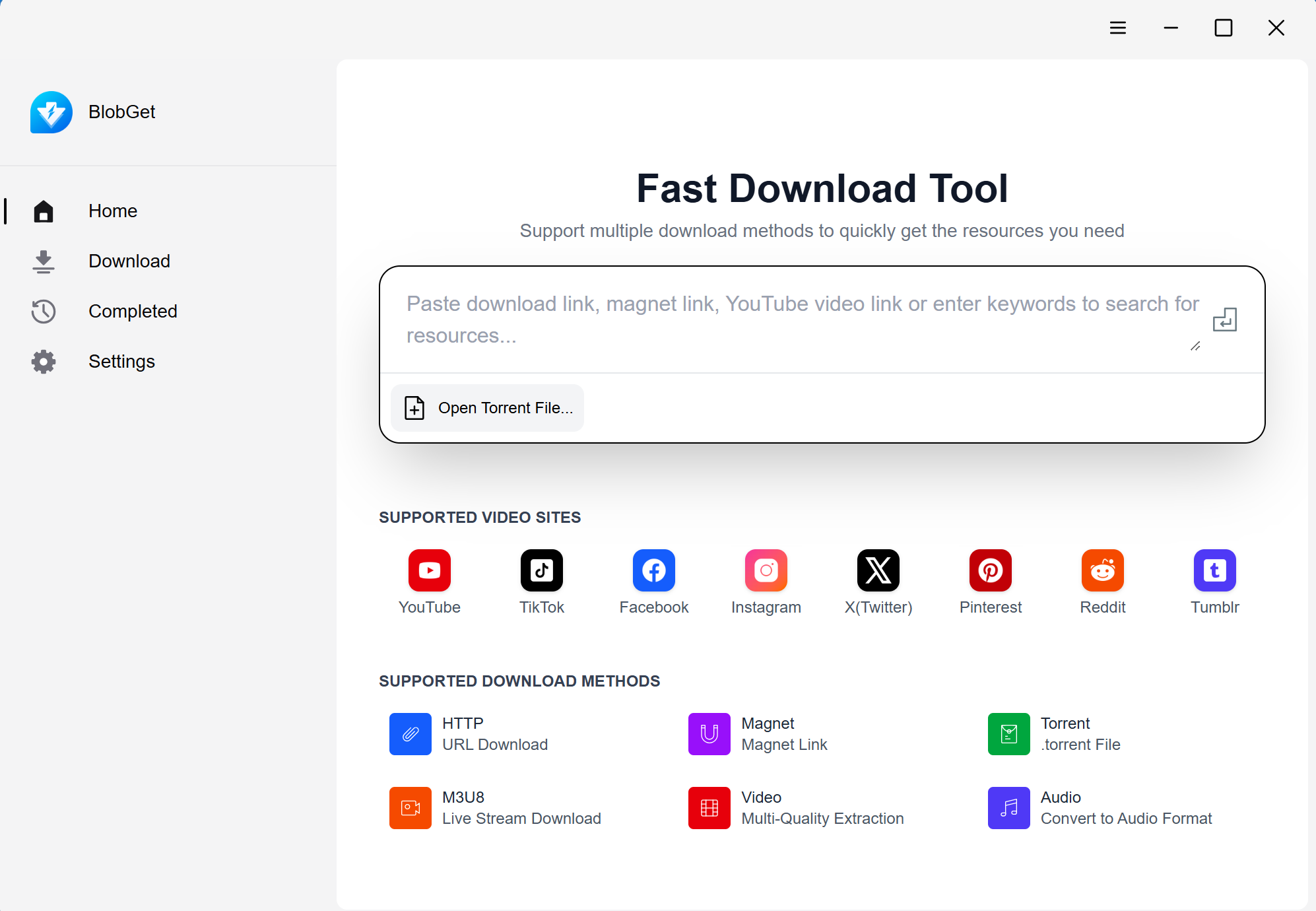
Multi-Protocol & Full Format Support
As a versatile video downloader, it supports HTTP/HTTPS direct links, magnet links, BT torrents, and popular online audio and video content. Parse and download with one click, with no need to switch between multiple tools.
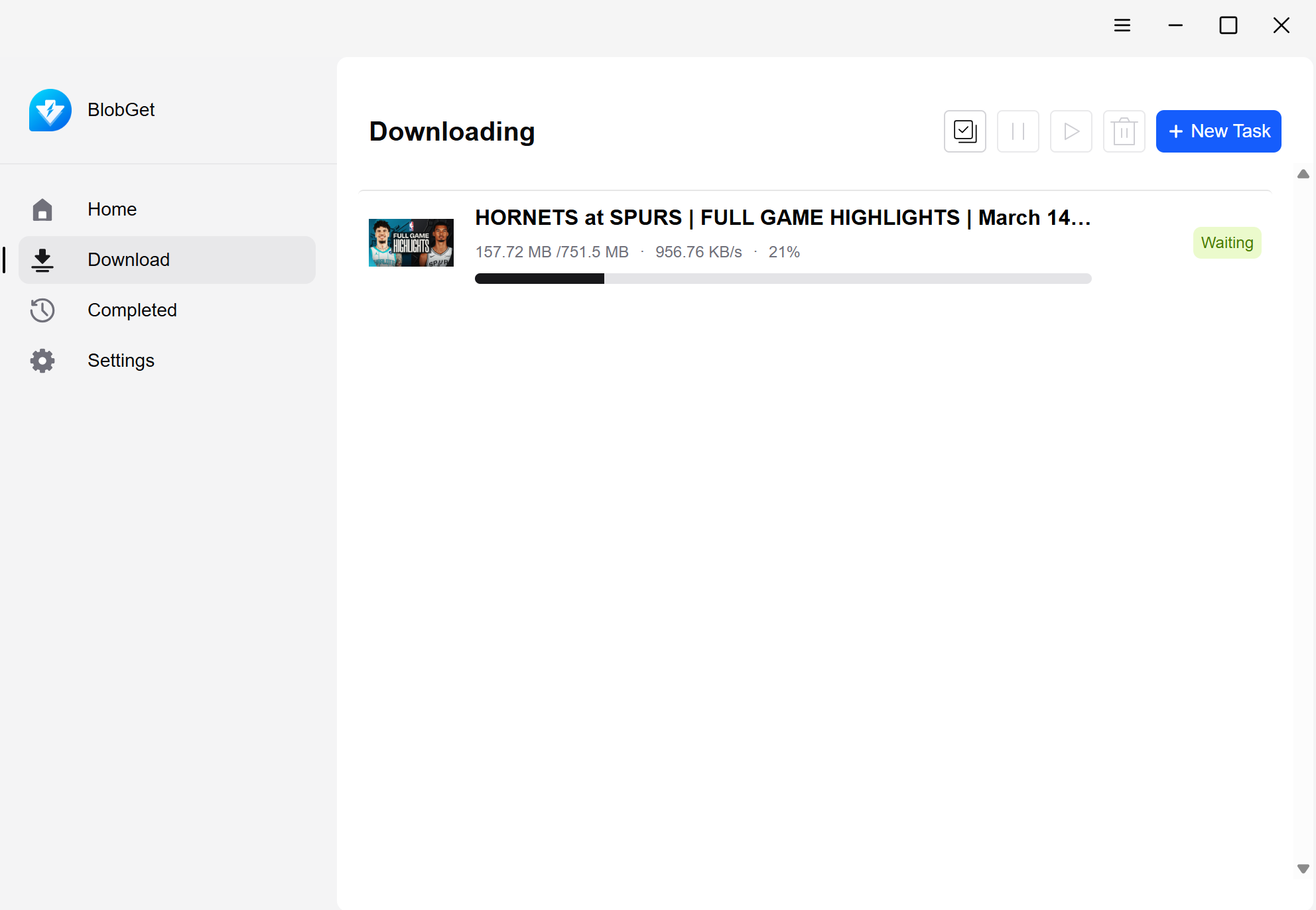
Simple Interface & One-Click Operation
Boasting a clean and intuitive interface, its core functions are straightforward and easy to use. Simply paste a link or import a torrent, then click to start downloading. It is perfect for beginners.
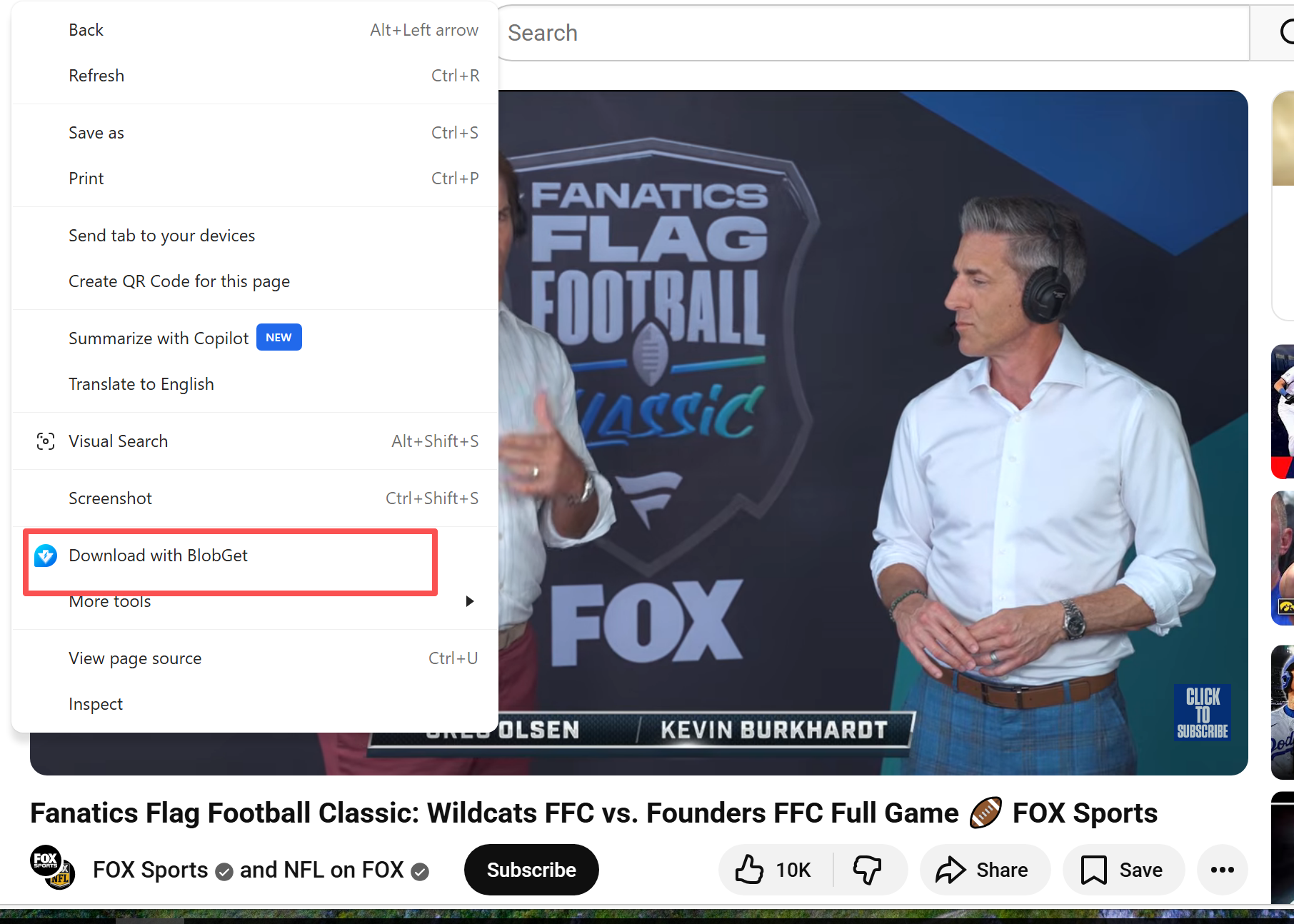
Seamless Browser Integration
Fully compatible with Microsoft Edge and Google Chrome. Use the browser extension to capture resources in one click, with no need to copy links, enabling instant downloading while browsing.
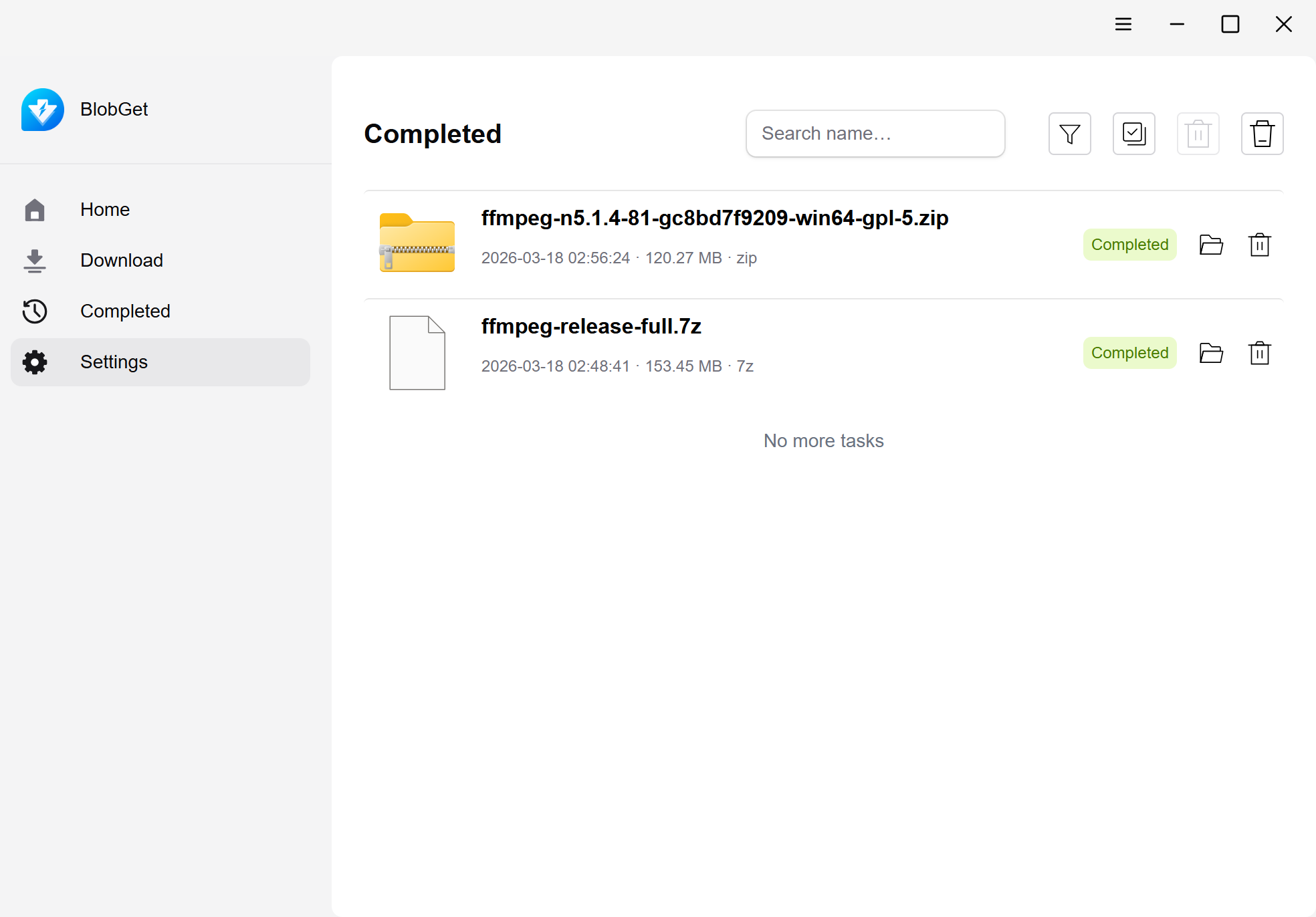
Intelligent File Classification & Archiving
It automatically classifies and archives files by type, with support for custom classification rules and file search. Easily manage your downloaded resources without the clutter.
Why BlobGet?
All-in-one Workflow
One tool for files, torrents, videos, and audio without constant context switching.
High Stability
Auto-recovery and segmented downloads reduce failures on long-running tasks.
Faster Delivery
Priority scheduling helps you get key assets first while background tasks continue.
Clean Management
Visual queue and searchable history keep your download system structured as it scales.
Quick Start
Start using BlobGet in 3 steps
 Step 1
Install BlobGet
 Step 2
Paste or Capture Resource Links
 Step 3