Getting Started (Getting Started)
BlobGet is an all-in-one download tool and versatile video downloader that helps you easily obtain and manage media resources. This guide will walk you through the basic operation steps to get started quickly.
1. Download and Install
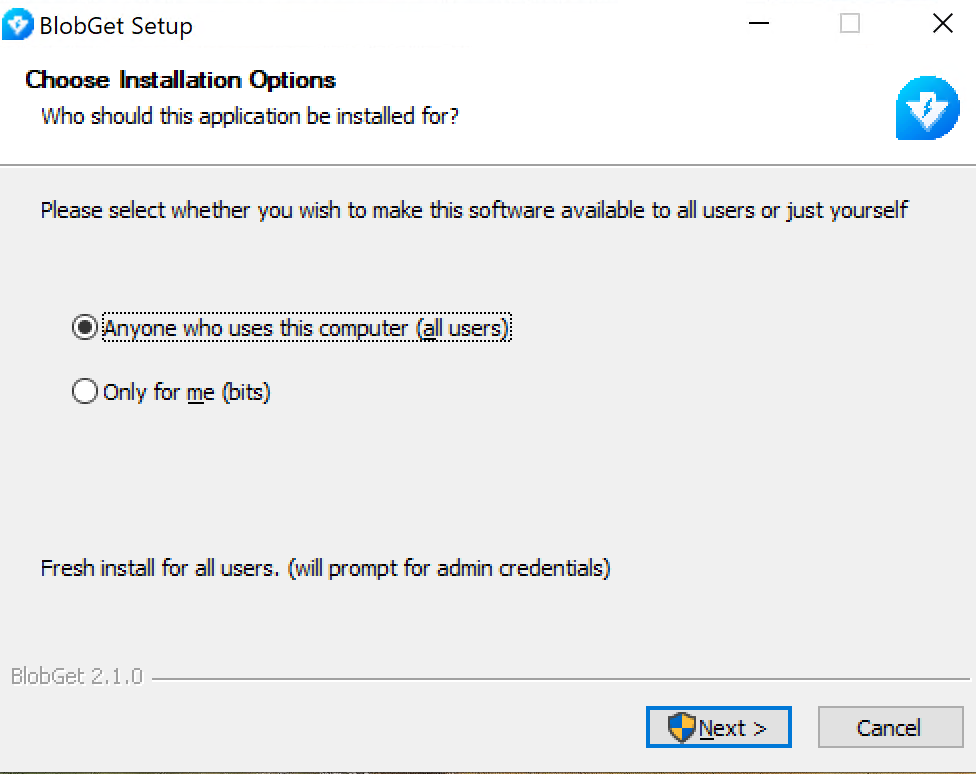
Visit the official BlobGet website, find the download section, and select the installer suitable for your system. After the download is complete, double-click the installer file and follow the on-screen prompts to finish the installation. The whole process is simple and fast, and a desktop shortcut will be created automatically after installation.
2. Launch BlobGet
After successful installation, you can launch BlobGet in two ways:
- Double-click the BlobGet icon on your desktop;
- Search for "BlobGet" in the Start Menu and click to open it.
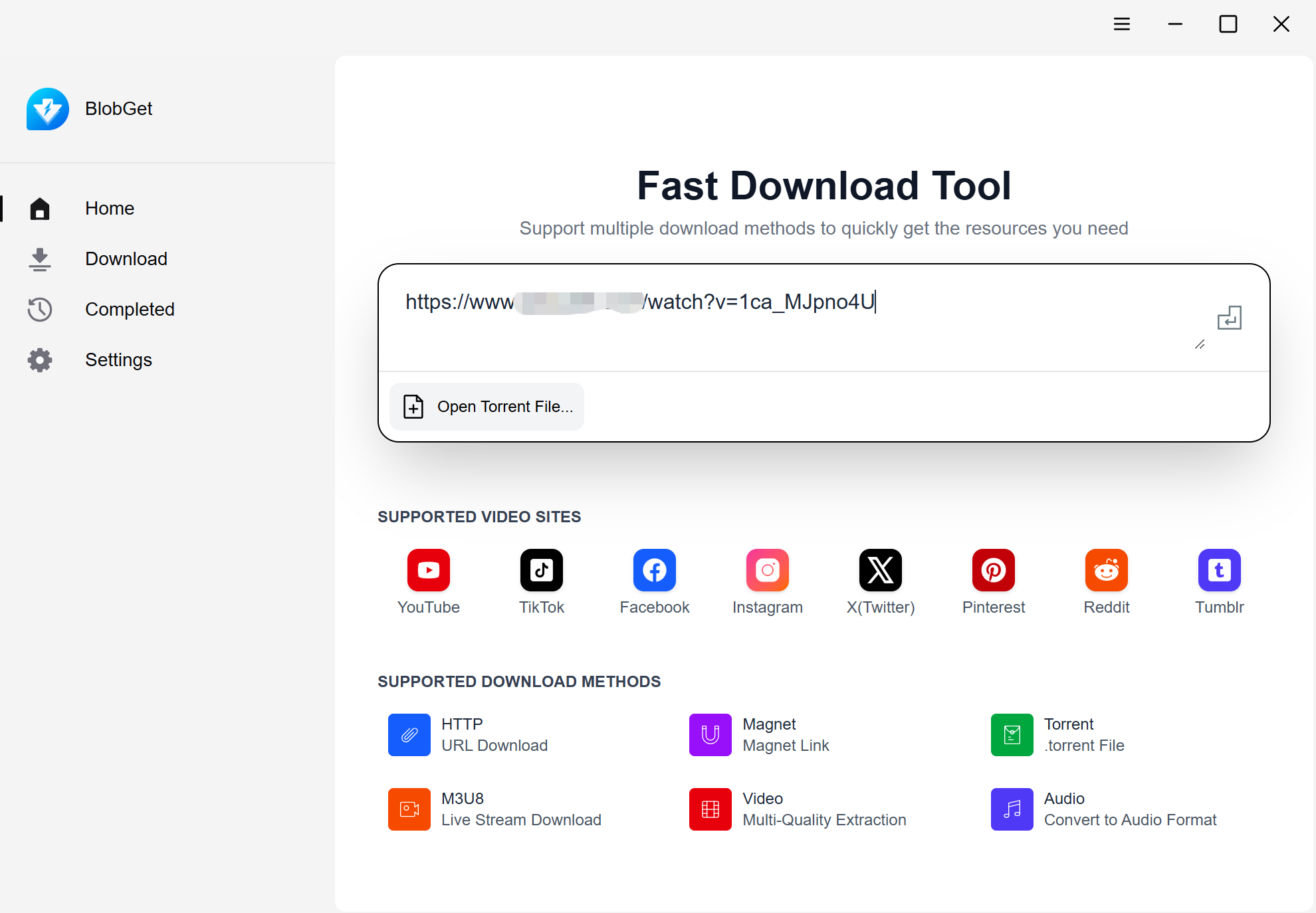
When you open BlobGet for the first time, you will see a clean and intuitive main interface, with the core functions clearly displayed for easy operation.
3. Start Downloading
Step 1: Copy the resource link
Find the link of the content you want to download (such as online video, document, etc.), copy the full URL.
Step 2: Paste the link into BlobGet
In the BlobGet main interface, paste the copied link into the input box at the top, and the system will automatically parse the link.
Step 3: Confirm and start downloading
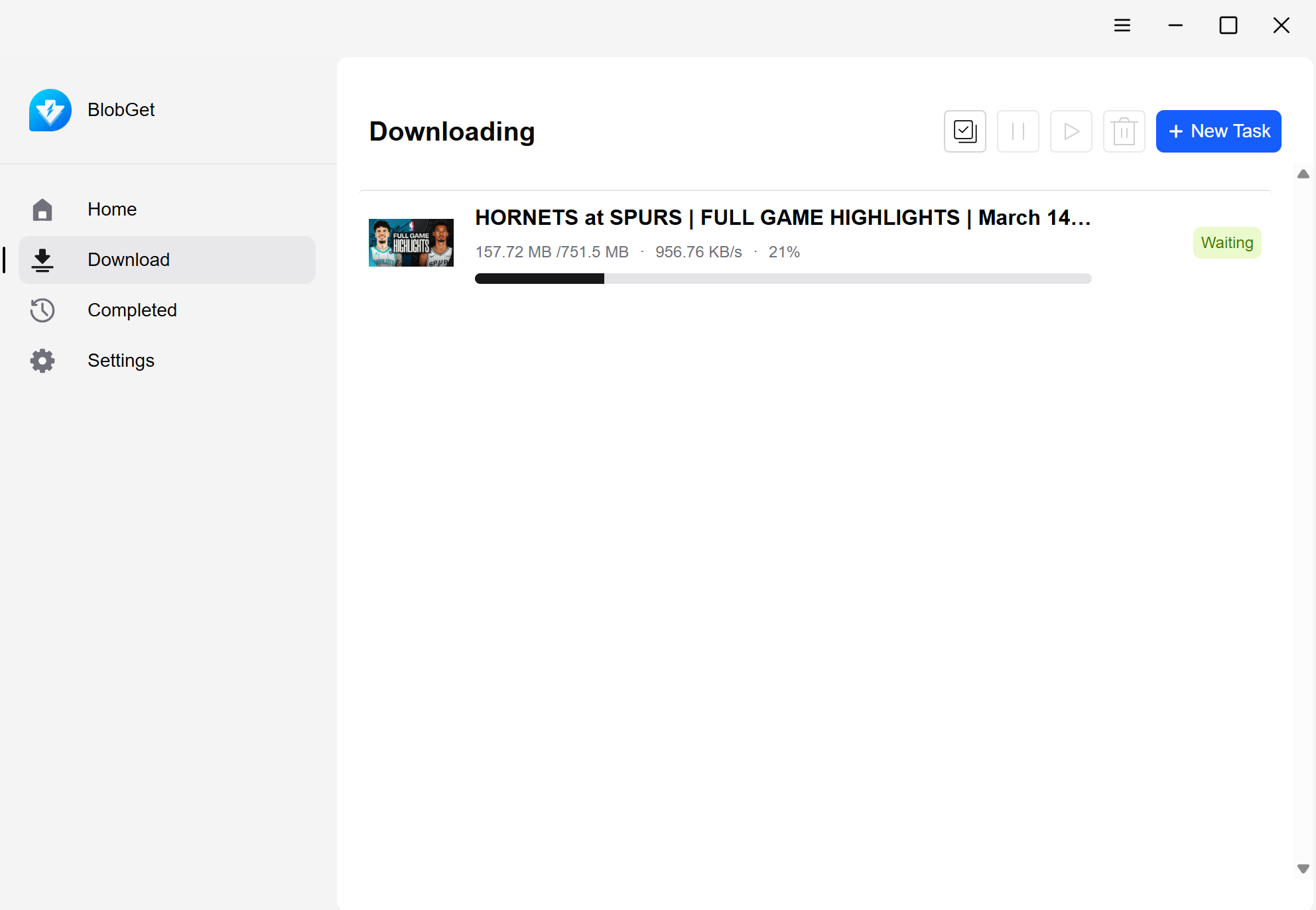
After parsing, select your preferred quality and save path, then click the "Start Download" button. You can view the download progress in real time on the interface.
4. Manage Downloaded Files
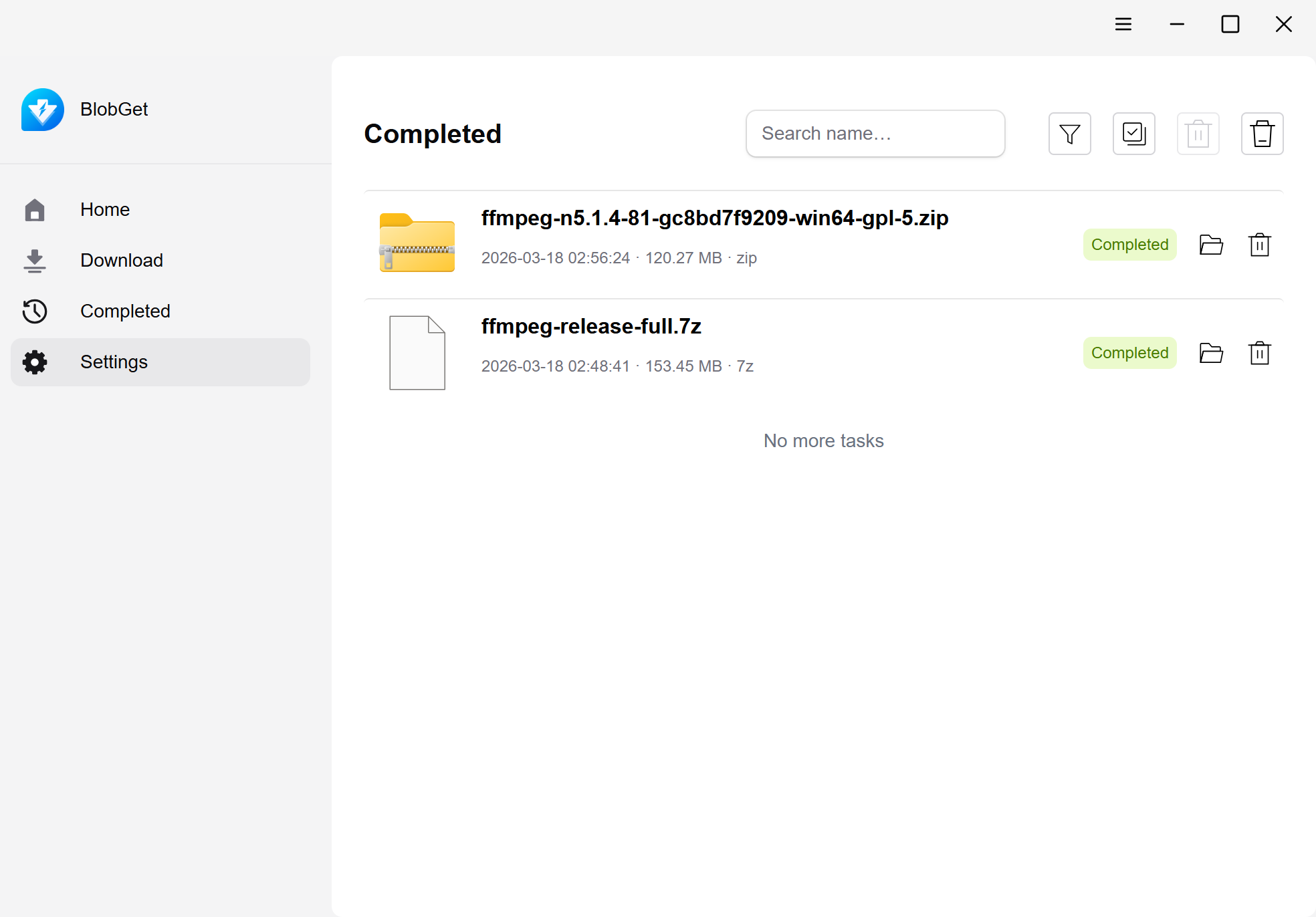
BlobGet will automatically classify and sort the downloaded files by type. You can find all downloaded resources in the "Completed" tab, and also customize the save path and file classification rules according to your needs.
5. Troubleshooting
- If the link cannot be parsed: Check whether the link is valid and try to re-copy the link;
- If the download speed is slow: Ensure the network is stable, or switch to a better network environment;
- If the file cannot be opened: Check whether the file format is supported, and use the built-in conversion function if necessary. With BlobGet, downloading and managing media resources becomes simple and efficient. Start your seamless download experience now!